
Login Process
The Login Process page allows users to securely access their Logstail Academy account. From the login page, users can sign in, create a new account, recover their password, or navigate to additional resources such as the Blog and Contact pages.
Where to find It
Navigate to the Login button on the top right of the main page to access the Login page.
Navigation path
Application route
/login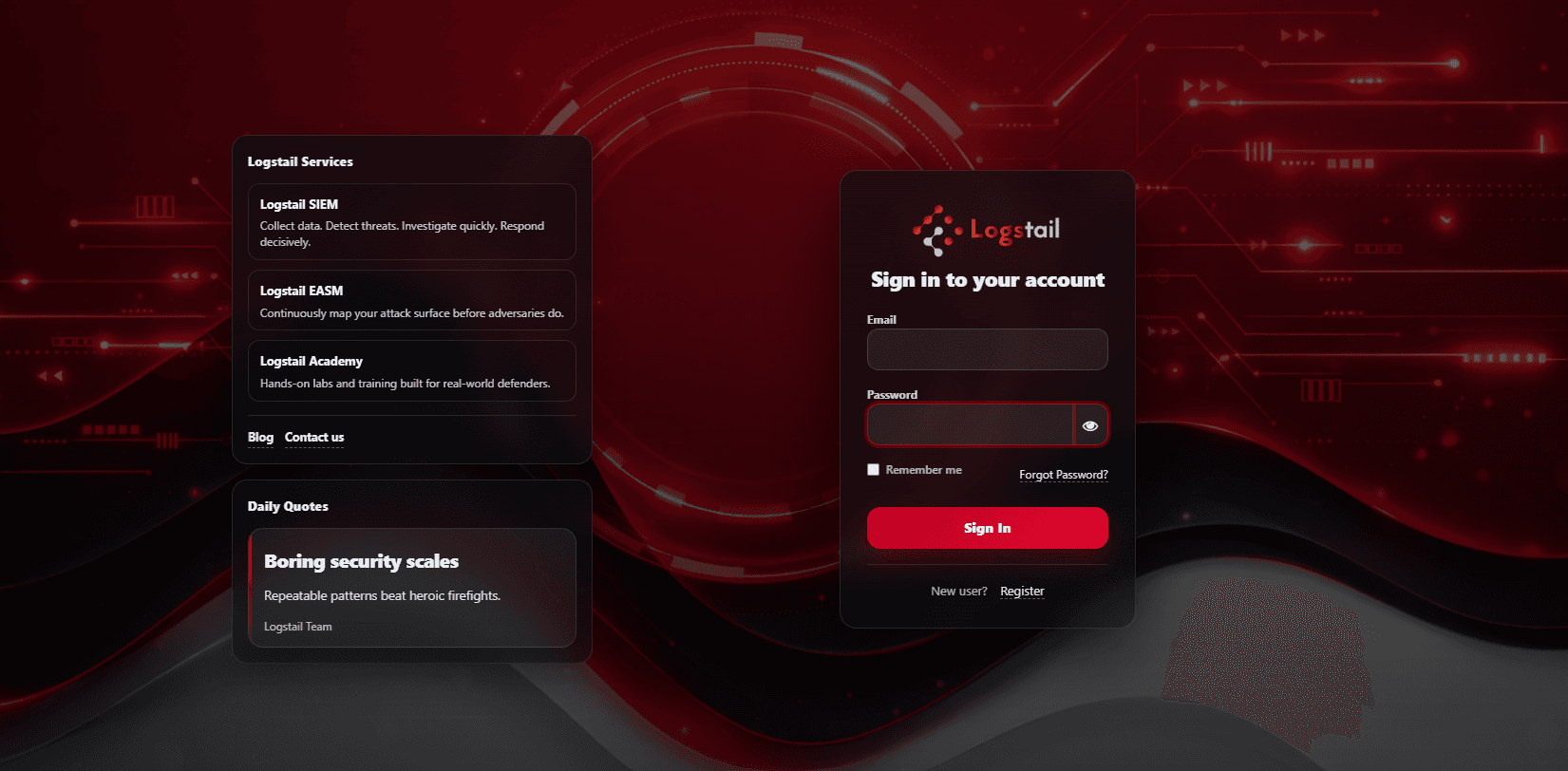
What the Login Page Is Used For
Access Academy account
Sign in to continue learning and manage your profile.
Continue learning progress
Resume courses, labs, and learning paths where you left off.
Register a new account
Create a new Academy profile to begin training.
Recover forgotten password
Use password recovery to regain access to your account.
Navigate to blog & contact pages
Access Academy blog posts and support contact options.
Main Purpose
The login process ensures secure authentication and user account access. It connects users with their personalized learning experience, including courses, learning paths, quizzes, and hands-on labs.
How to Log In
Signup
Use Register when creating a new Academy account.
Once registered, users can immediately access Academy content.
Password Recovery
Use Forgot Password when you cannot access an existing account.
What Users can access after logging in
After successful authentication, users gain full access to:
Troubleshooting
Invalid credentials
- 1
Ensure the username, email, and password are correct.
- 2
Try resetting the password if needed.
Forgot password email not received
- 1
Check the spam or junk folder.
- 2
Retry the password reset process or contact support.
Unable to access account
- 1
Confirm that the account is registered.
- 2
If the issue persists, contact an administrator or support.
Login page not loading
- 1
Refresh the page.
- 2
Check your internet connection.
Best Practices
Use a strong and secure password
Choose a unique, complex password to protect your account.
Do not share login credentials
Keep your username and password private at all times.
Log out on shared devices
Always sign out when using public or shared computers.
Keep account details updated
Ensure your profile information and recovery options stay current.
Use password recovery
Reset your password instead of making repeated failed login attempts.