
External Attack Surface Management Overview
External Attack Surface Management, or EASM, helps you discover, map, and monitor the internet-facing assets connected to your organization.
Use EASM to understand what is publicly exposed, identify risky configurations, review discovered assets, and prioritize remediation before attackers can abuse unmanaged or misconfigured services.
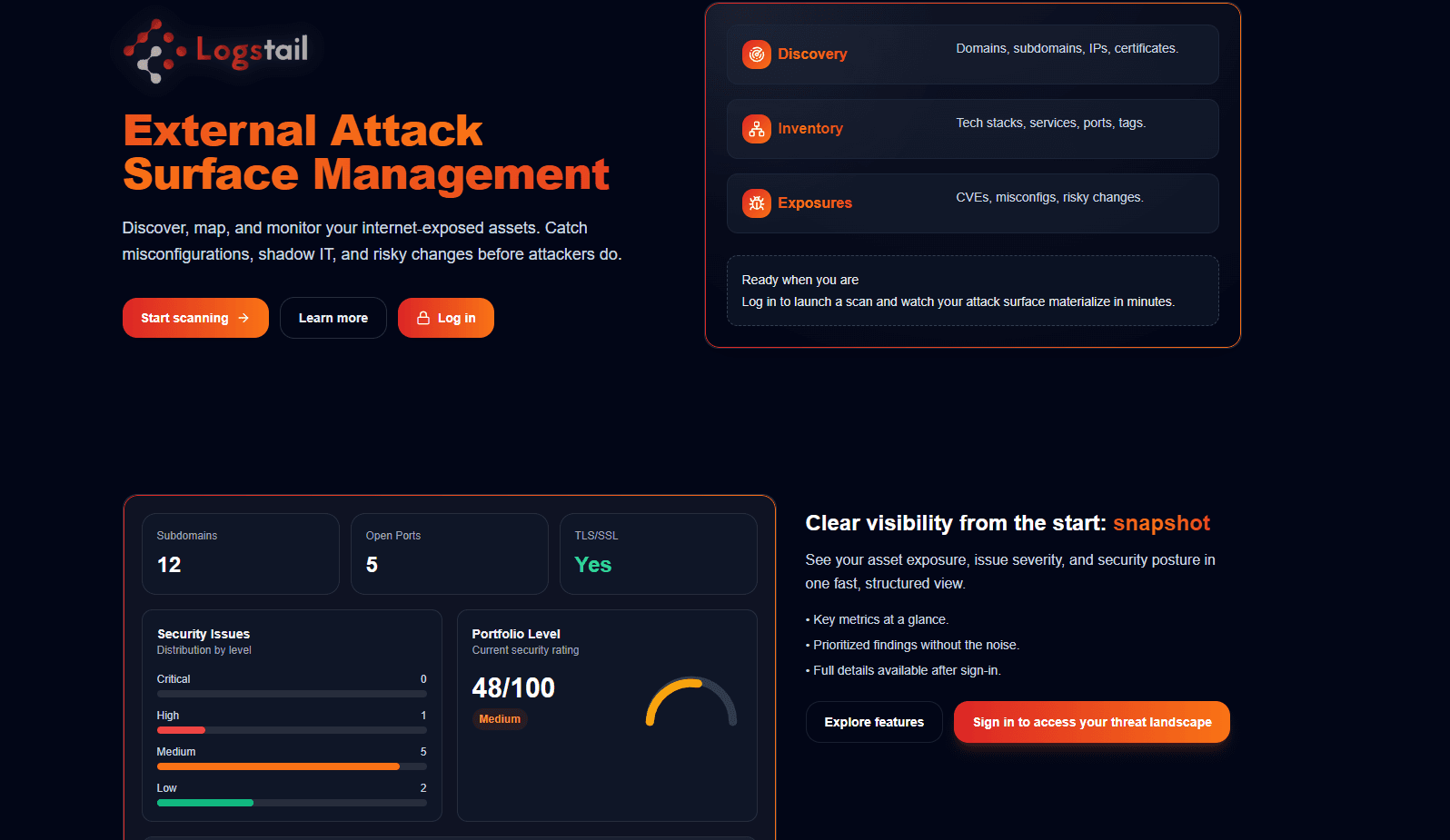
What EASM Does
Logstail EASM helps security teams:
Discover assets
Discover external assets such as domains, subdomains, public IPs, URLs, and web applications.
Identify exposure
Identify exposed services, open ports, certificates, technologies, and public-facing infrastructure.
Detect risky configurations
Detect weak or risky configurations such as missing security headers, weak TLS, exposed directories, or WAF gaps.
Review reconnaissance data
Review DNS, WHOIS, TLS, HTTP, technology, and passive reconnaissance data.
Analyze findings
Analyze vulnerabilities and exposure findings from completed scans.
Track scans
Track scan progress, completed jobs, scheduled scans, and historical scan records.
Generate reports
Generate reports for documentation, review, and security handoff.
When to Use EASM
Use EASM when you want to view your organization from an external attacker’s perspective.
Common use cases include:
Run initial scans
Run an initial scan against an approved domain or public IP.
Find unknown assets
Find unknown subdomains or unmanaged external assets.
Check exposed services
Check which services and ports are exposed to the internet.
Review security posture
Review TLS, DNS, WAF, and security header posture.
Investigate lookalikes
Investigate suspicious or lookalike domains.
Compare results
Compare scan results over time.
Prepare reports
Prepare scan reports for internal security reviews.
What EASM Finds
EASM scan results can include discovered assets, exposed services, web posture, and risk indicators.
How EASM Works
The EASM workflow moves from scan creation to investigation and reporting:
Authorization required
Only scan assets that you own or are explicitly authorized to assess.
Use the following pages to move from scan setup to investigation, reporting, and follow-up review.
EASM Pages
Scan
Create and launch a new external attack surface scan. Use this page to define the target, configure the scan, and start the assessment.
Open ScanScan History
Monitor running scans, scheduled scans, and completed scan records. Use this page to check scan status, review previous scans, and open completed scan data.
Open Scan HistoryScan Results
Review the summarized output of a completed scan. Use this page to understand discovered assets, exposed services, scan status, and high-level security results.
Open Scan ResultsAll Findings
Investigate the complete technical discovery output from EASM scans. Use this page to review domains, subdomains, IP addresses, DNS data, open ports, certificates, technologies, TLS posture, WAF detection, security headers, directories, vulnerabilities, and risk details.
Open All FindingsReports
Generate and review EASM reports. Use this page when you need a documented version of scan results for security reviews, remediation tracking, or stakeholder sharing.
Open ReportsRecommended First Scan
For a first scan, start with a primary domain that your organization owns.
After the scan completes:
Security Best Practices
Run scans regularly
Run external attack surface scans on a regular schedule and review changes over time.
Watch new assets
Pay attention to newly discovered assets, unmanaged domains, unexpected subdomains, and shadow IT.
Review exposed services
Check unexpected services, risky ports, public-facing systems, and exposed infrastructure.
Validate encryption
Review weak encryption, weak TLS posture, expired certificates, and certificate-related issues.
Check web controls
Look for missing security headers, WAF gaps, exposed directories, and weak HTTP configurations.
Reduce exposure
Keep visibility active to reduce shadow IT, lower external exposure, and improve the overall security posture.