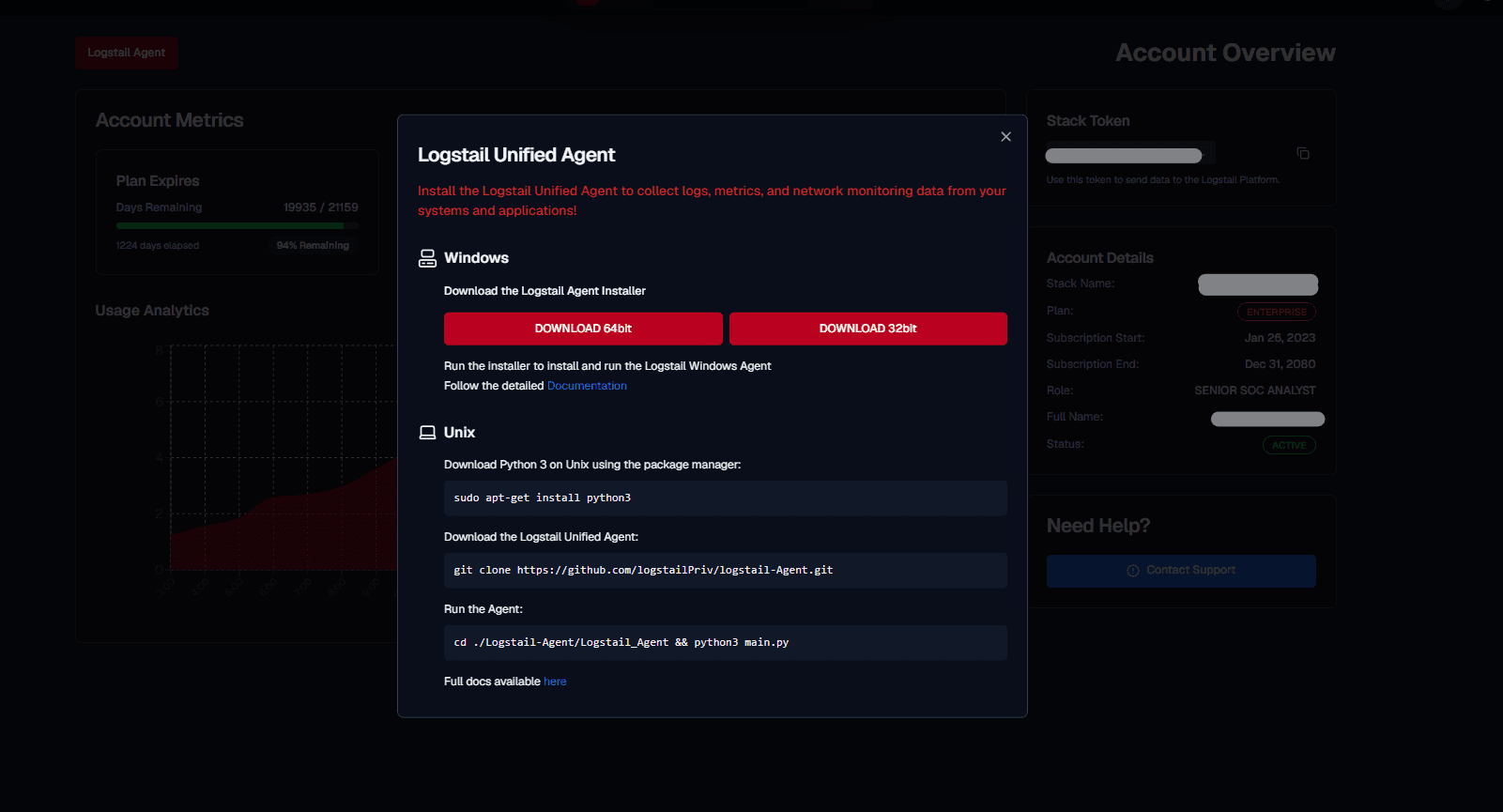
Logstail Agent Overview
The Logstail Agent is used to connect Windows and Linux endpoints to the Logstail platform.
Open the main navigation menu and go to:
Navigation path
Application route
/my-accountWhere the Logstail Agent button is located
The Logstail Agent button is located near the top-left area of the Account page. Use it to open the agent download dialog and choose the installer or command set for your operating system.
After installation, the agent can collect and forward endpoint data such as:
Use the agent when you want Logstail to monitor endpoints, analyze activity, and make endpoint data available in Dashboards, Analytics, Reports, and SOAR workflows.
Before You Start
Before installing the agent, make sure you have:
Operational note
For on-premise environments, configure the correct host or server IP address before entering credentials. This ensures the agent and collectors connect to the correct internal Logstail service.
Typical Workflow
The agent download dialog provides options for: